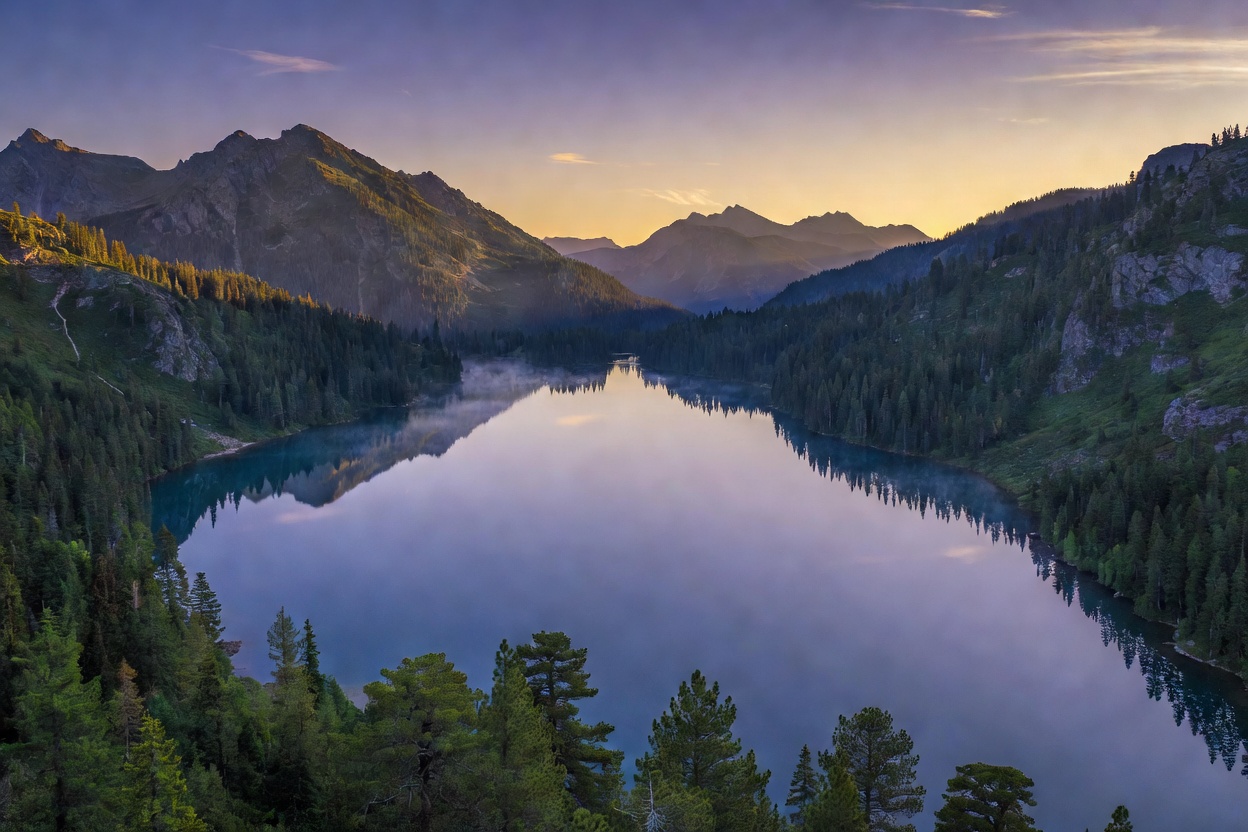
Key takeaways
- Sensor size affects image quality more than resolution.
- A mechanical gimbal beats electronic stabilisation for smoothness.
- 4K at 30 fps is plenty for beginners.
- Good light and slow movements improve footage more than any upgrade.
Sensor size
A larger sensor gathers more light, which means cleaner images, better dynamic range and better performance at dawn and dusk. The DJI Mini 3 uses a 1/1.3-inch sensor, noticeably larger than the 1/2.3-inch sensor on the DJI Mini 4K. At this price level, a bigger sensor is the clearest sign of better pictures.
Resolution and frame rate
4K video has four times as many pixels as 1080p, but beginner drones usually record 4K at up to 30 frames per second. That is perfect for most uses. Higher resolutions use more storage, and their benefit is limited by compression and sensor quality. A 5 MP camera such as the Tello's is a long way behind in detail.
Gimbals versus electronic stabilisation
A gimbal is a motorised mount that keeps the camera level as the drone moves. A 3-axis gimbal compensates for pitch, roll and yaw movements, giving smooth, cinematic footage. Electronic stabilisation (EIS) crops and digitally shifts the image to reduce shake. It helps, but cannot match a mechanical gimbal. The Atom SE and Mini drones have 3-axis gimbals; the DJI Neo uses a mechanical gimbal in a very small body.
Photos, formats and storage
Most beginner drones take 12 MP JPEG photos, which are ideal for sharing. Use a fast microSD card (U3/V30 or better) for 4K video, and format it in the drone before big flights.
Shooting tips for smoother footage
- Fly slowly and use gentle stick movements.
- Shoot during the "golden hour" (shortly after sunrise or before sunset) for warm light.
- Use cine or slow modes to smooth acceleration.
- Keep the horizon level and avoid pointing at the sun.
- Try automated QuickShots-style modes for an instantly polished result.
- Consider ND filters later to keep video motion natural in bright light.